A little space
for your thoughts.
For passing ideas, everyday lists, and things you want to keep close. Beautiful sticky notes that feel at home on your Mac.
Find your little space Made for macOS 14 and later
 A good thought can start small.
Make a little time for the things
that make you feel like you.

 Make yourself at home.
Your thoughts,
a view of their own.
Gather everything on one spacious note wall, or keep a note right on your desktop. Same note, same words. Just where you need them.

Pin it.
Keep it close.
Choose a pin, then place it on a wall note. The pin holds its position while the paper can gently swing around the needle. On the desktop, pinning locks a note’s position and size.
Position stays put. Always on top is a separate choice.
Still image shown with reduced motion.

Write that idea down.
Do one thing just for you.


Catch it before
it floats away.
Open a quick note, write, and get back to your day. Fold longer notes, check off a list, or bring a favorite to the front.
Easy to keep.
Easy to find.
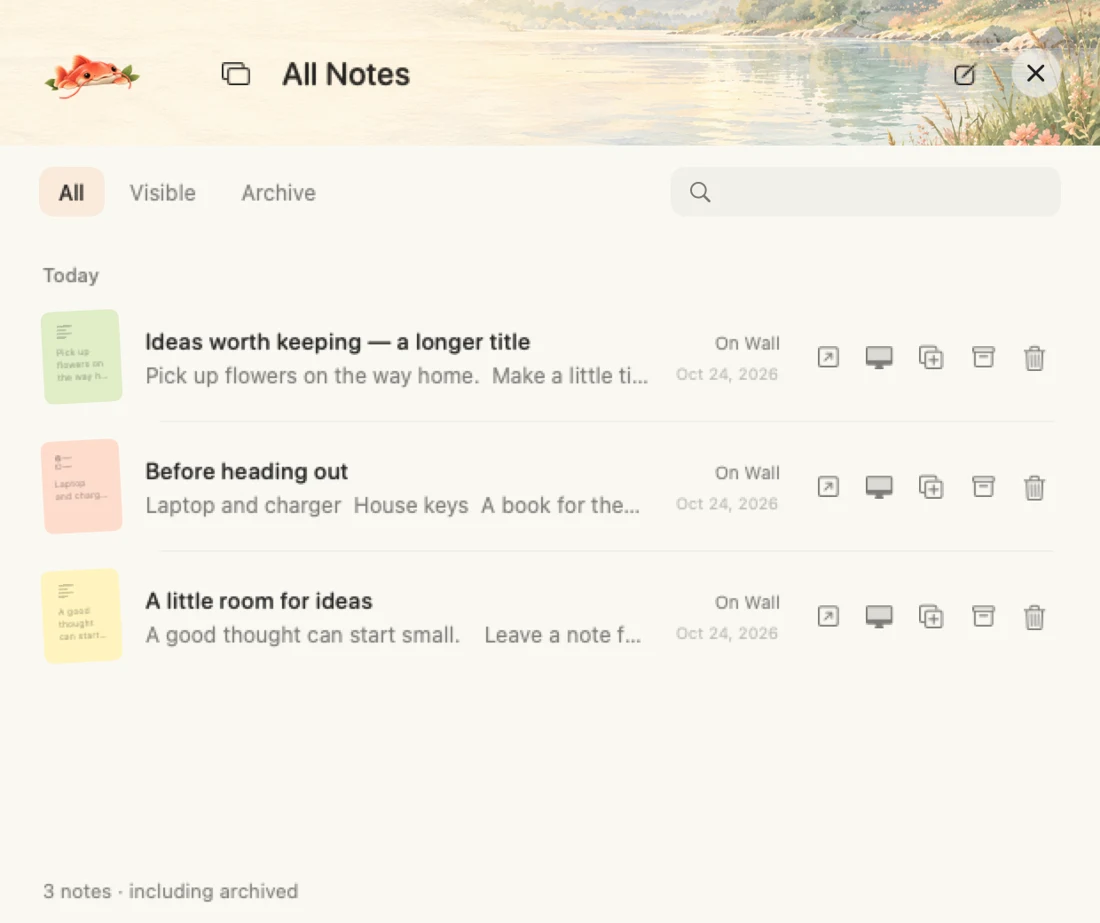
A little order for the notes you collect along the way.
- Tidy the wall
- Arrange unpinned notes neatly. Pinned notes stay where you put them, and the previous arrangement can be restored.
- Search every note
- Find titles and text across your note collection in All Notes, including archived notes. Use ⌘F for search within the wall.
- Archive, then return
- Put finished notes away without deleting them. Open the archive to find and restore them when you need them again.
A little more you.
Six paper styles, your own photos, and fonts from your Mac. Pick a paper color below.
There is something good
in the everyday.
Paper · Wood frame · Washi · Polaroid · Postcard · Grid journal
Small things.
Big personality.
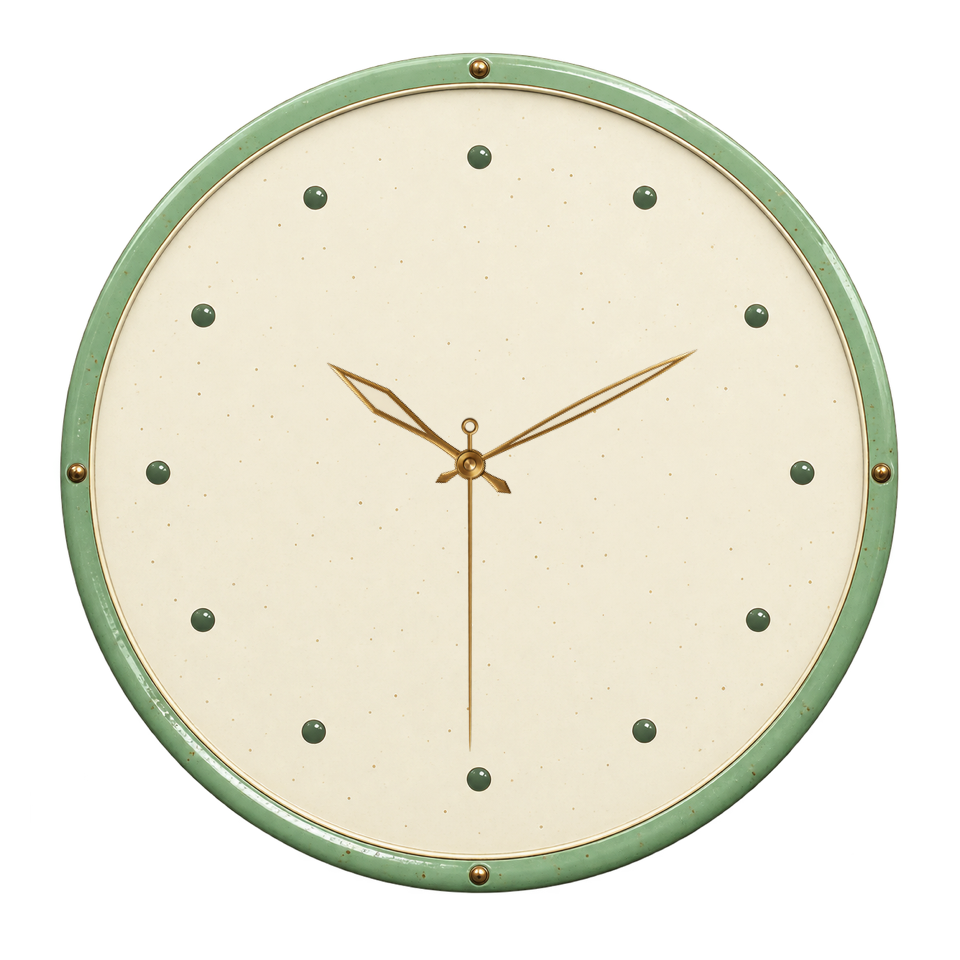
24 original paper-art stickers, plus a collection of artful clocks. A coffee, a tiny escape, a little moonlight. Make your desktop feel like yours.




Your notes live
on your Mac.
No account to create. No cloud sync to set up. Automatic saving, note history, and local backup export help you keep what matters.
Export a backup from the File menu. Restore independent copies without replacing the notes you already have.
Good to know
Can I download it today?
Jotfin is being prepared for its first public release. A public download and pricing have not been announced yet.
Does it work offline?
Yes. Note writing, the note wall, desktop notes, stickers and local backups work on your Mac without an account or cloud sync. This website’s support form needs an internet connection.
What kinds of notes can I make?
Text notes, checklists, bullet lists and image notes. Keep them on the note wall or move the same note onto your desktop.
How do I protect my notes?
Notes save automatically. You can export a local backup from the File menu, then restore copies of notes and images from that backup. Keep another copy of the exported folder somewhere safe.
Which Macs are supported?
The app requires macOS 14 or later and builds for Apple silicon and Intel Macs. Public distribution details will be shared with the first release.

A calmer desktop.
A little room for you.
Preparing for our first public release.
Ask a question